
· Tutorial
Drone navigation: stable control
How the drone demo keeps flight stable while reaching its target.
A drone climbs, tilts, then drifts. Reaching a target takes more than an upward push: orientation and velocity change what the motion does next.
This demo connects a discrete choice to a physical action. The agent picks a motor combination; the thrust and torques then produce a displacement. Understanding this mechanism helps you read control failures.
You will run the experiment and understand the link between its observations, its decisions, and its outcome.
Try Drone Navigation in the browser →
Start with the demo
Click Train, watch the motors and the target, then click Infer. The demo uses a [64, 64] network and specific exploration options. The minimal example below uses the default parameters: it checks the wiring, not performance equivalence.
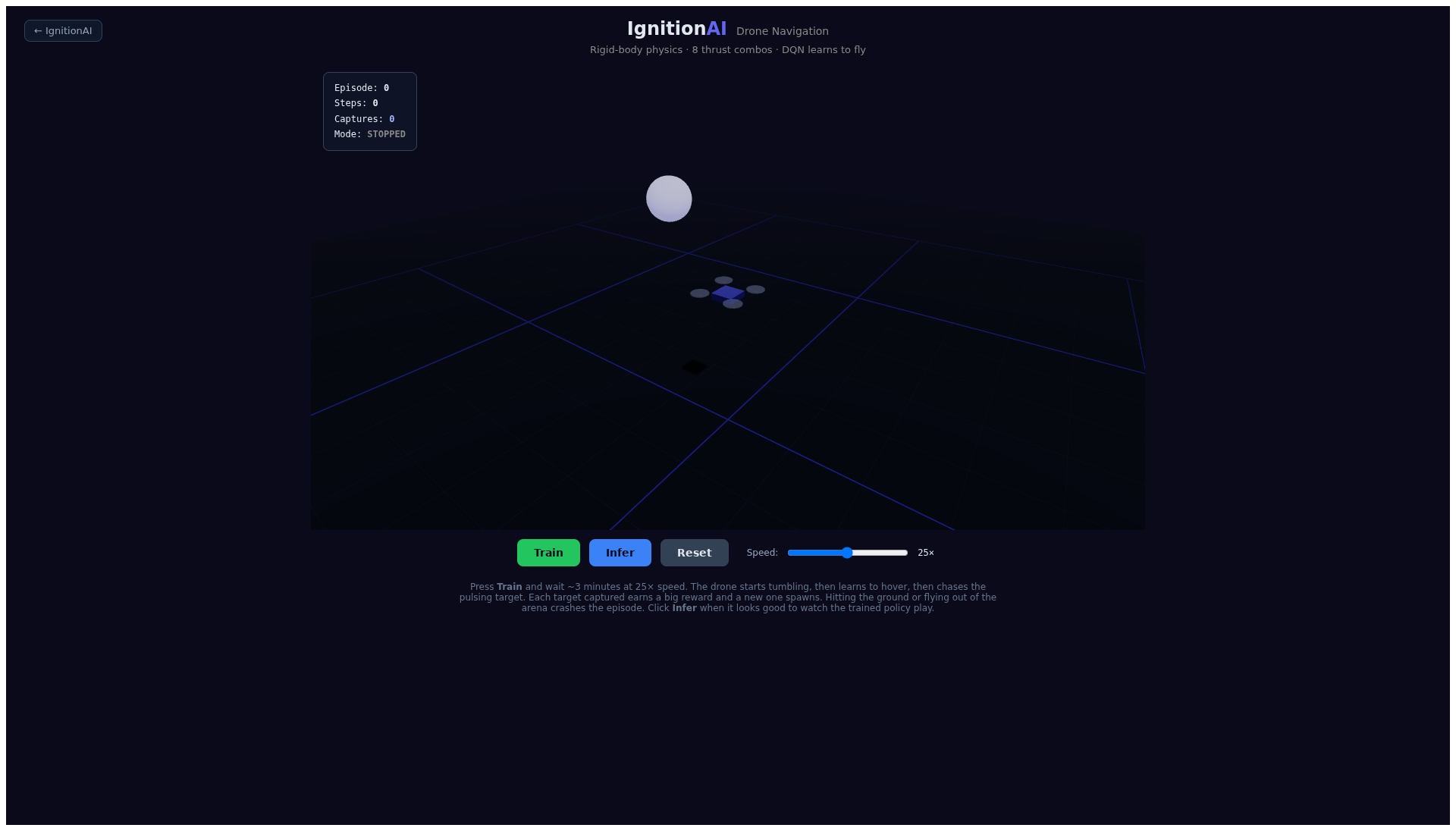
Initial state captured in Chromium. Screenshots show the walkthrough, they do not guarantee a score.
What the agent receives
DroneEnv exposes eight combinations: two levels of uniform thrust, forward, backward, left, right, and two rotations. Its observation contains 13 values, including the offset to the target, some velocities, the tilt, the position, and the distance. The observe() function is the exact contract: not all physical fields are transmitted.
What the reward encourages
The reward combines a distance penalty, a progress bonus, and a rotation penalty. Capturing a target adds +50; a crash is worth −20. An episode ends at a crash or at 1,000 transitions. Position and motion come from a TypeScript integration; the scene's Rapier context does not replace this dynamics.
The full contract lives in drone-env.ts. Read observe(), step(), and reward() together: a benchmark's name is not enough to define its implementation.
Reproduce the experiment with code
Use Node.js 20 or 22 and pnpm 10.8.0. From the repository:
git clone https://github.com/IgnitionAI/ignition.git
cd ignition
corepack enable
pnpm install --frozen-lockfile
pnpm --filter demo-drone-navigation dev --host 127.0.0.1 --port 5173
Open localhost:5173. On a VPS, use an SSH tunnel to that port to access it from your computer.
The example is loaded directly from blog-experiment.ts: the article's code and the repository's code stay in sync.
import { IgnitionEnvTFJS } from '@ignitionai/backend-tfjs';
import { DroneEnv } from '../drone-env';

export function createExperiment() {
  const environment = new DroneEnv();
  const runner = new IgnitionEnvTFJS(environment);
  runner.train('dqn');

  return {
    environment,
    runner,
    infer: () => runner.infer(),
    resume: () => runner.train('dqn'),
    stop: () => runner.stop(),
  };
}
While Vite is running, you can import this module in the browser console:
const { createExperiment } = await import('/examples/blog-experiment.ts');
const session = createExperiment();
// Après quelques tentatives :
session.infer();
session.stop();
The module creates an independent session. It does not wire it into the already-open scene: use the demo's buttons for the visual walkthrough. infer() applies the current policy without training; resume() keeps the agent and stop() cancels upcoming ticks. A transition already in progress can still finish.
Observe, then evaluate
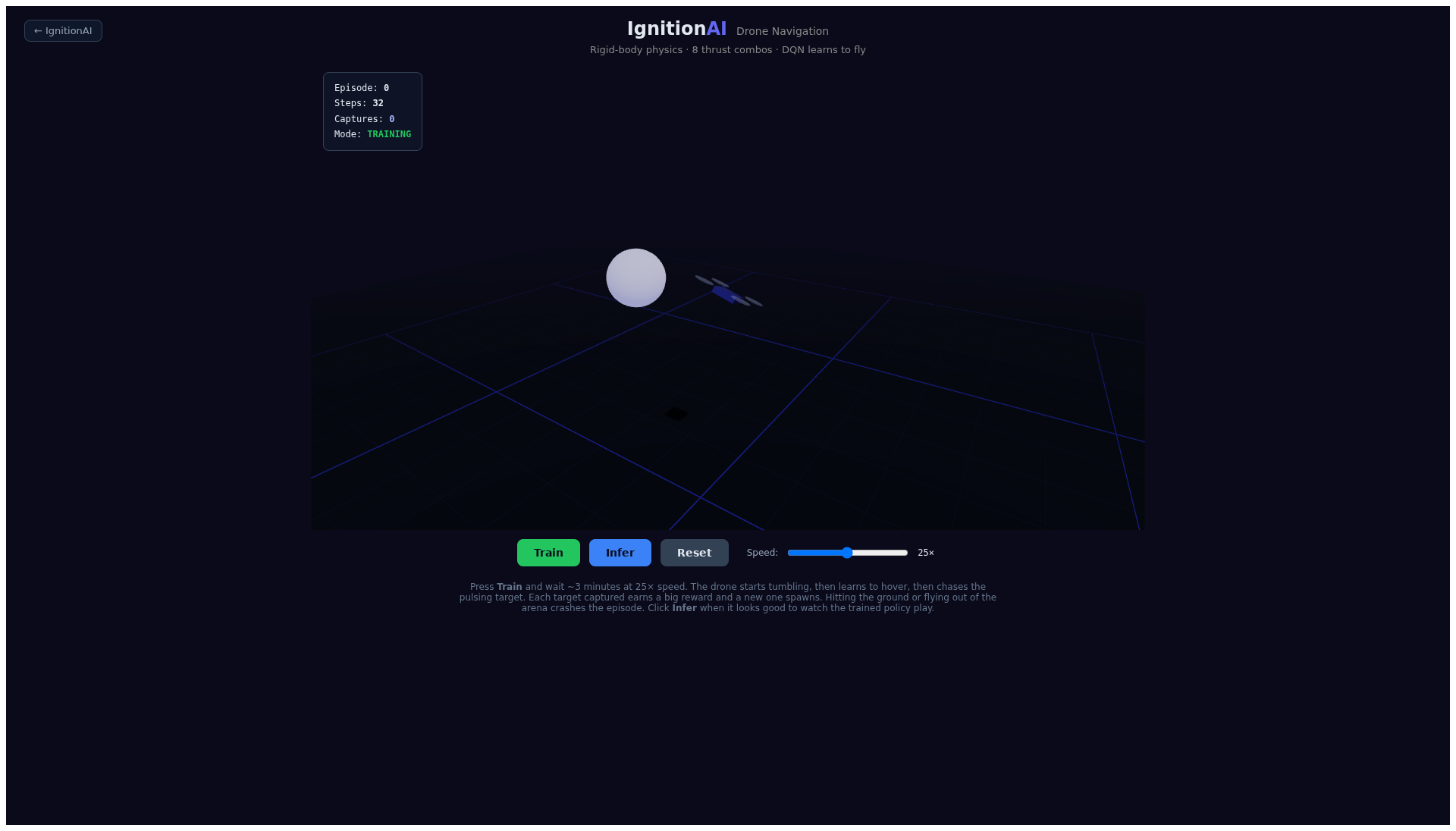
Screenshot of the same session after interaction. The presence of a scene and an active indicator confirms the walkthrough, not a converged policy.
Record target captures, crashes, and duration separately. A long flight does not necessarily mean useful navigation. If you change a reward, keep the same evaluation protocol so you can compare.
Verification of this edition
The demo was opened in Chromium and its training launched before the screenshot. The independent example ran one training transition and one inference transition with 13 observations, then the mode-switch commands. No page or runner errors were reported during this verification. This walkthrough verifies integration; it does not prove convergence.
Your turn to run the experiment
Reproduce the walkthrough, then change a single element of the contract and compare your observations. You will have a concrete case to discuss what the agent knows, what it chooses, and what the reward values.
To go further, see the Ignition runner and the available algorithms.