
· Tutorial
Maze 3D: keys and doors
Exploration, keys and doors in a 3D maze.
A door blocks the way. The key is somewhere else. Maze 3D makes an essential idea visible: the value of a move also depends on what the agent has already collected.
Two visits to the same position can lead to different decisions if the agent holds a key. Adding that state to the observation lets the model tell these situations apart.
You will run the experiment and understand the link between its observations, its decisions, and its outcome.
Start with the demo
Click Train to start the loop, then Stop to stop it. This interface has no inference button: the example exposes a standalone infer() command to explore that mode in your own session.
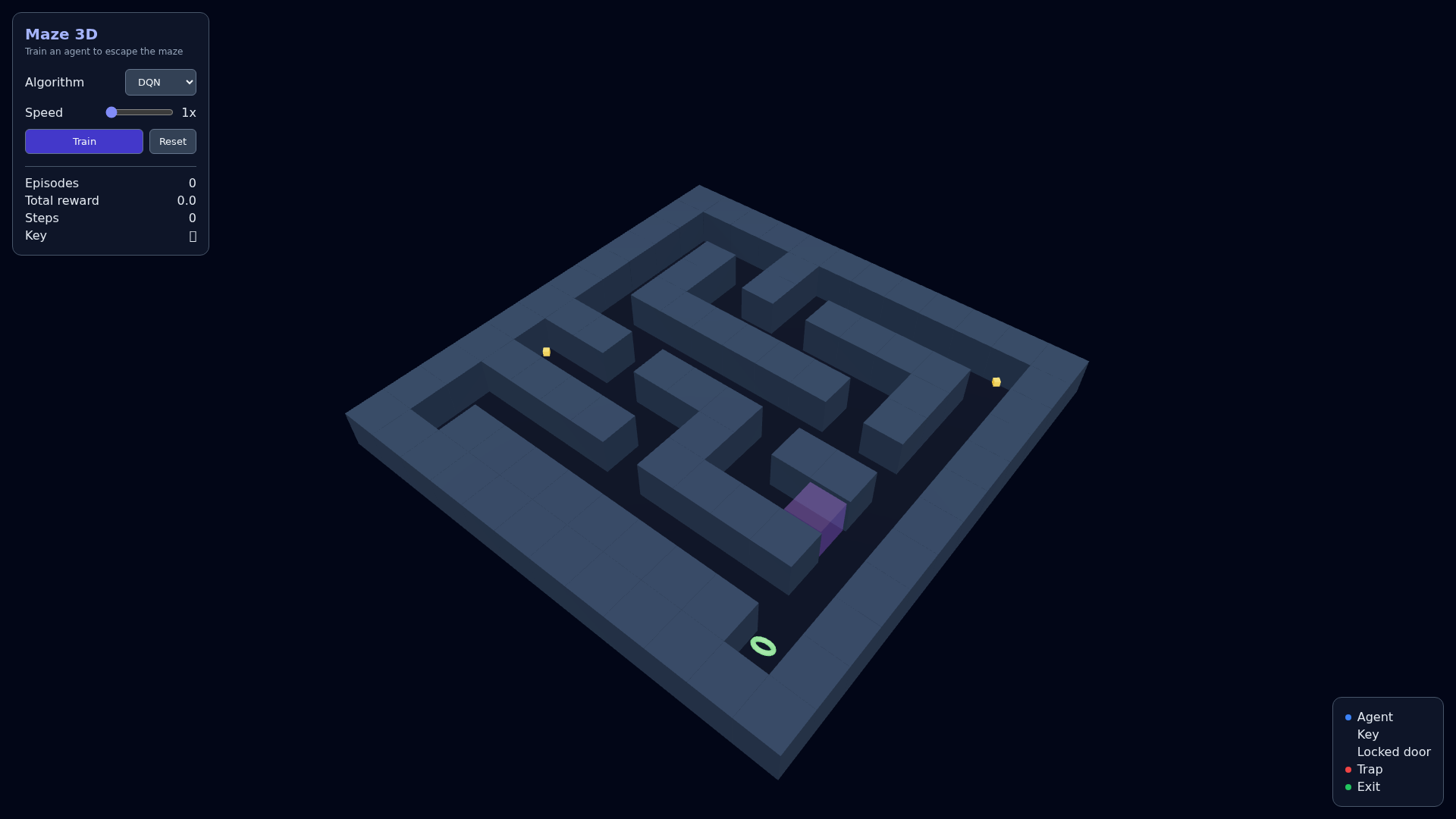
Initial state captured in Chromium. The screenshots show the journey, not a guaranteed score.
What the agent receives
Maze3DEnv uses a 12 × 12 grid with walls, keys, a locked door, an exit, and a trap. The observation includes position, angle, five ray distances, key possession, and elapsed-horizon fraction: ten values in total. The four actions are move forward, turn left, turn right, and move backward.
What the reward encourages
An ordinary valid move is worth −0.1; the key is worth +10 and the exit +100. A wall or a trap is worth −10, a locked door −5. At the 500-transition limit, the final reward is −1. The reward is still stored in the environment: examine step() to understand how rotations behave.
The full contract lives in maze-env.ts. Read observe(), step(), and reward() together: a benchmark's name is not enough to define its implementation.
Reproducing the experiment with code
Use Node.js 20 or 22 and pnpm 10.8.0. From the repository:
git clone https://github.com/IgnitionAI/ignition.git
cd ignition
corepack enable
pnpm install --frozen-lockfile
pnpm --filter demo-maze-3d dev --host 127.0.0.1 --port 5173
Open localhost:5173. On a VPS, use an SSH tunnel to that port to access it from your computer.
The example is loaded directly from blog-experiment.ts: the article's code and the repository's code stay in sync.
import { IgnitionEnvTFJS } from '@ignitionai/backend-tfjs';
import { Maze3DEnv } from '../maze-env';

export function createExperiment() {
  const environment = new Maze3DEnv();
  const runner = new IgnitionEnvTFJS(environment);
  runner.train('dqn');

  return {
    environment,
    runner,
    infer: () => runner.infer(),
    resume: () => runner.train('dqn'),
    stop: () => runner.stop(),
  };
}
While Vite is running, you can import this module in the browser console:
const { createExperiment } = await import('/examples/blog-experiment.ts');
const session = createExperiment();
// After a few attempts:
session.infer();
session.stop();
The module creates an independent session. It does not attach it to the already-open scene: use the demo's buttons for the visual journey. infer() applies the current policy without training; resume() keeps the agent, and stop() cancels the upcoming ticks. A transition already in progress can still finish.
Observe, then evaluate
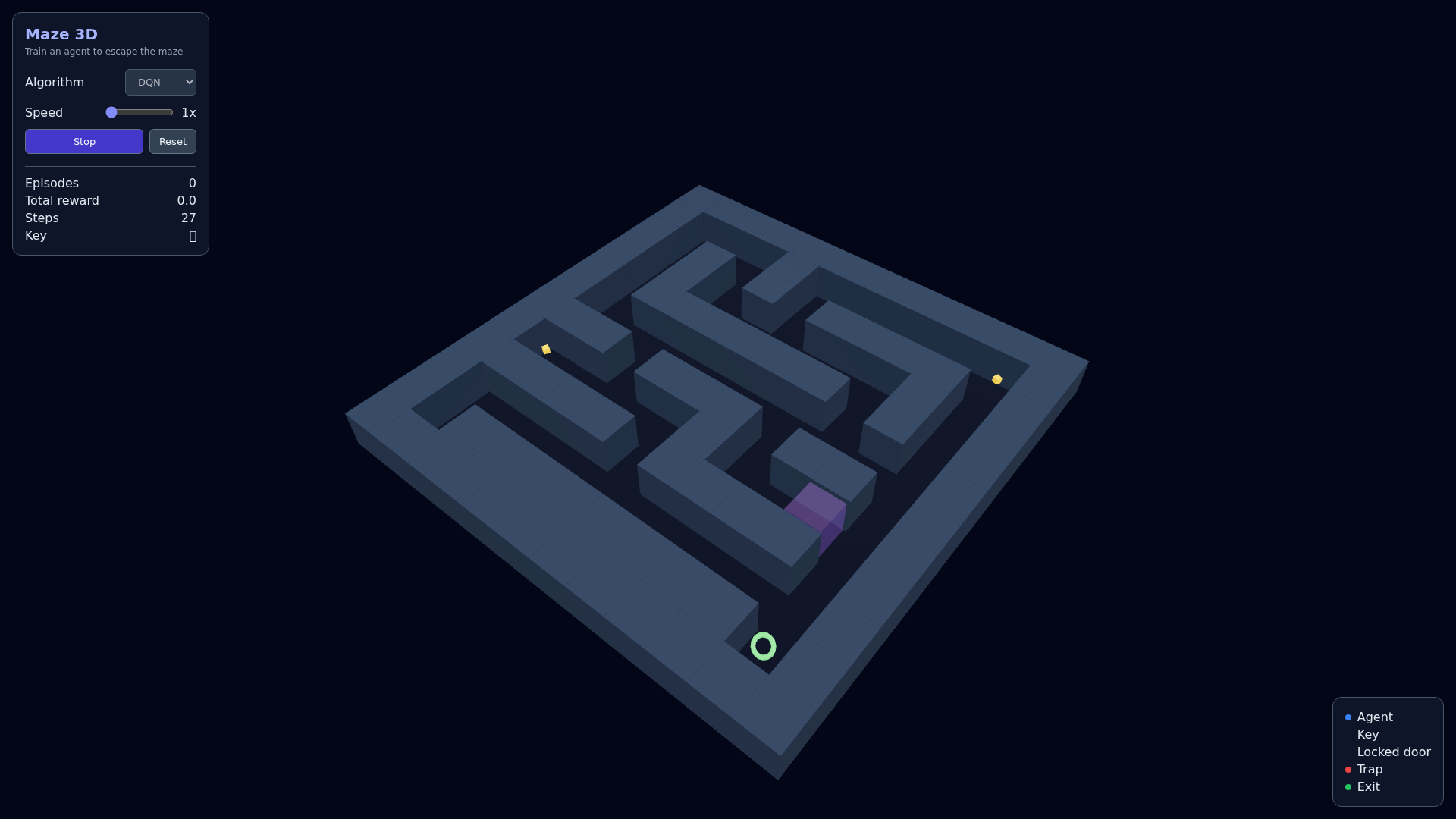
Screenshot of the same session after interaction. The presence of a scene and an active indicator confirms the journey, not a converged policy.
The interface's reward counter is sampled by requestAnimationFrame. This reading can miss transitions or episode endings: do not present it as a thorough evaluation. To measure, accumulate the results returned by runner.step() or runner.inferStep().
Verifying this edition
The demo was opened in Chromium and its training launched before the screenshot. The standalone example ran one training transition and one inference transition with 10 observations, then the mode-switching commands. No page or runner error was recorded during this verification. This journey verifies the integration; it does not prove convergence.
The example was run on the CPU backend. React startup and the demo's layout were also restored to make the scene and controls accessible.
Your turn to run the experiment
Reproduce the journey, then change a single element of the contract and compare your observations. You will have a concrete case to discuss what the agent knows, what it chooses, and what the reward values.
To go further, see the Ignition runner and the available algorithms.